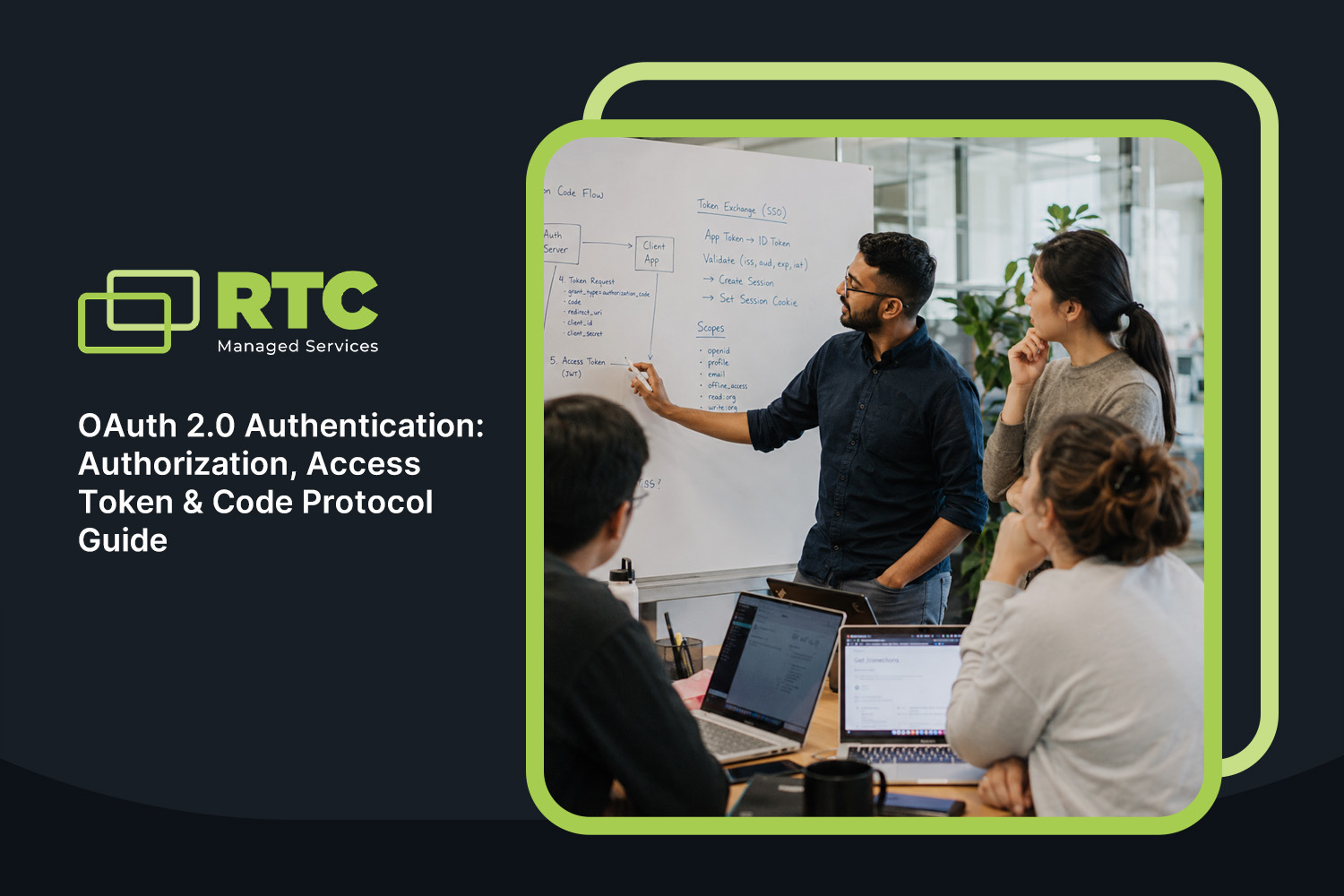
Discover how OAuth 2.0 authentication secures business data, manages user access, and supports API gateway configuration and token management for modern organizations.
Businesses today rely on secure digital access for both employees and customers. OAuth 2.0 authentication is a leading protocol for protecting sensitive data and managing user access. In this article, you’ll learn what OAuth 2.0 authentication is, how it works, and why it matters for your organization. We’ll cover essential topics like authorization, the role of an authorization server, access tokens, and practical steps for API gateway configuration and token management. You’ll also discover key benefits, common challenges, and best practices to keep your systems secure and efficient.
Understanding OAuth 2.0 authentication
OAuth 2.0 authentication is a security protocol that lets users grant applications access to their data without sharing passwords. It’s widely used by businesses to protect resources like email, files, and internal apps. By using OAuth 2.0, you can control who gets access and for how long, reducing the risk of unauthorized entry.
The process involves an authorization server, which checks if a user or application should be allowed access. This server issues an access token, a digital key that applications use to prove they have permission. The token is only valid for a set time, adding another layer of protection. OAuth 2.0 is flexible and works with many types of apps, from web applications to mobile devices.
Avoiding common mistakes with authorization, access token, and protocol
Getting OAuth 2.0 authentication right is important for business security. Here are some key areas where mistakes often happen:
Mistake #1: Misconfiguring authorization settings
If you set up authorization incorrectly, users might get more access than they need. Always review permissions and use the principle of least privilege. This means only giving access to what’s necessary for each user or application.
Mistake #2: Poor access token handling
Access tokens should be stored securely and never exposed in URLs or logs. If someone gets hold of a token, they could use it to access protected data. Make sure your system only accepts tokens from trusted sources.
Mistake #3: Ignoring the importance of the authorization code
The authorization code is a short-lived code used to get an access token. If you skip this step or use it incorrectly, your system could be at risk. Always validate authorization codes before exchanging them for tokens.
Mistake #4: Not following the protocol specification
OAuth 2.0 has clear rules for how requests and responses should work. Skipping steps or using shortcuts can create security holes. Stick to the official specification and test your implementation regularly.
Mistake #5: Weak authentication checks
Authentication is more than just logging in. Make sure you verify user identities at every step, especially when granting access to sensitive resources. Use strong credentials and multi-factor authentication when possible.
Mistake #6: Failing to manage refresh tokens properly
Refresh tokens let users stay logged in without re-entering passwords. If not managed well, they can be used by attackers to gain long-term access. Set expiration times and monitor for unusual activity.
Mistake #7: Overlooking grant type selection
Different grant types are designed for different scenarios. Using the wrong one can weaken your security. Choose the grant type that fits your application’s needs and risk level.
Key benefits of OAuth 2.0 authentication
OAuth 2.0 authentication offers several advantages for businesses:
Reduces the risk of password theft by never sharing user passwords with third-party apps.
Allows for flexible access control, so you can grant or revoke permissions easily.
Works with many types of applications, including web, mobile, and desktop.
Makes it easier to comply with privacy regulations by controlling data access.
Offers a standardized way to delegate access without exposing sensitive credentials.
The role of redirect and user authentication in OAuth 2.0
Redirects are a key part of OAuth 2.0 authentication. When a user tries to access a protected resource, they are redirected to the authorization server to log in and approve the request. This keeps login details secure and ensures only authorized users get access.
User authentication is the process of confirming a user’s identity before granting access. OAuth 2.0 supports different authentication methods, including passwords, biometrics, or multi-factor authentication. This flexibility helps businesses choose the right level of security for their needs. By combining redirects and strong user authentication, you can protect sensitive data and reduce the risk of unauthorized access.
Steps for secure OAuth 2.0 access tokens and requesting an authorization code
Securing your OAuth 2.0 authentication setup involves several important steps. Here’s how you can do it:
Step #1: Set up a trusted authorization server
Choose a reliable authorization server that follows industry standards. This server will handle authorization requests and issue tokens.
Step #2: Define clear access scopes
Decide what resources each application or user can access. Use scopes to limit permissions and avoid overexposing sensitive data.
Step #3: Implement secure endpoints
Make sure all endpoints are protected with HTTPS and require proper credentials. This prevents attackers from intercepting or tampering with requests.
Step #4: Validate authorization requests
Check every authorization request for accuracy and legitimacy. Reject requests that don’t meet your security standards.
Step #5: Use the authorization code flow
For web applications, use the authorization code flow to exchange a short-lived code for an access token. This adds an extra layer of security.
Step #6: Monitor token expiration and renewal
Keep track of when tokens expire and have a process for issuing new access tokens. Use refresh tokens carefully and set limits on their use.
Step #7: Audit and review regularly
Regularly review your OAuth 2.0 access setup for vulnerabilities. Update your configuration and policies as needed to stay secure.
Setting up OAuth 2.0 authentication is only the first step. You also need to manage how tokens are issued, stored, and validated. API gateway configuration plays a big role in this process. The gateway acts as a checkpoint, making sure only valid tokens can access your APIs.
Token management involves tracking token lifetimes, handling renewals, and revoking tokens when needed. This helps prevent unauthorized access if a token is stolen or misused. Use automated tools to monitor token activity and alert you to suspicious behavior. By combining strong API gateway configuration with effective token management, you can keep your business data safe and ensure users only access what they’re allowed.
Best practices for maintaining OAuth 2.0 authentication
Following best practices helps you get the most from OAuth 2.0 authentication:
Always use HTTPS to protect data in transit.
Limit token lifetimes to reduce the risk of misuse.
Store refresh tokens securely and monitor their use.
Regularly update your authorization server and related software.
Educate users about safe authentication practices.
Test your system for vulnerabilities and fix issues quickly.
Taking these steps will help you maintain a secure and reliable system.
How RTC Managed Services Can Help with OAuth 2.0 authentication
Are you a business with 40-80 employees looking to improve your security and manage user access more efficiently? Growing organizations need reliable systems to protect sensitive data and support daily operations. OAuth 2.0 authentication is a smart way to control access and keep your business safe.
At RTC Managed Services, we understand the challenges of implementing secure authentication protocols. Our team can help you set up OAuth 2.0 authentication, configure your API gateway, and manage tokens effectively. Contact us today to learn how we can support your business and keep your systems secure.
Frequently asked questions
How does OAuth 2.0 help secure access for multiple users?
OAuth 2.0 uses an authorization server to manage who can access protected resources. It issues access tokens after verifying user credentials, so only authorized users get in. This approach helps businesses control access to sensitive data and ensures that only the right people can use certain APIs or applications.
By using OAuth 2.0, you can set different permissions for different users or groups. The protocol supports a range of authentication methods, making it flexible for various business needs. Regularly updating your authorization server and monitoring token use are key steps to maintain security.
What is an access token, and why is it important?
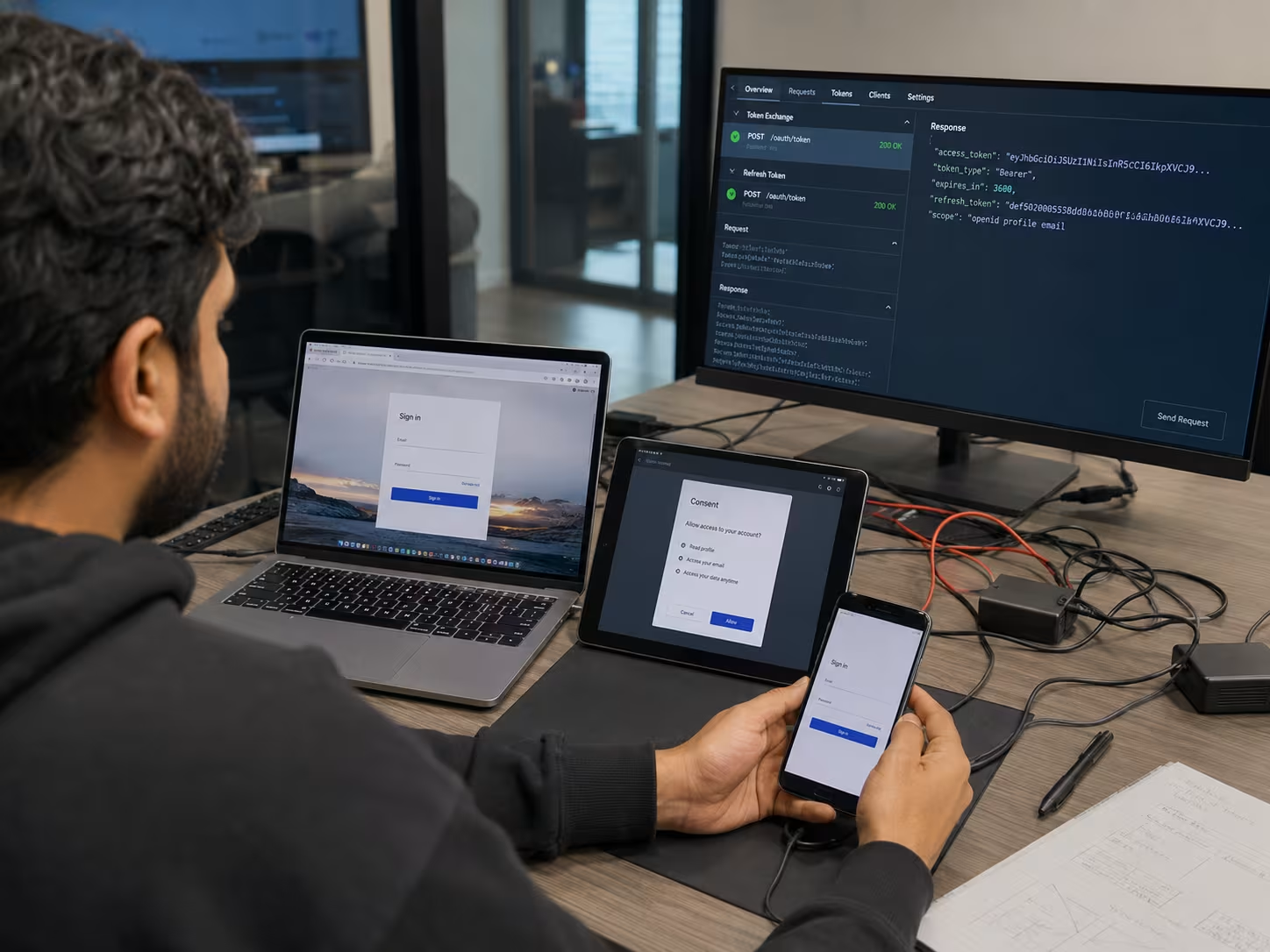
An access token is a digital key that allows applications to access specific resources on behalf of a user. It’s issued by the authorization server after successful authentication and is valid for a limited time. This reduces the risk of long-term unauthorized access if a token is stolen.
Access tokens are a core part of the OAuth 2.0 specification. They help businesses delegate access without sharing passwords, making it easier to manage user permissions and keep systems secure. Always validate tokens before granting access to sensitive resources.
How does the authorization code flow work in OAuth 2.0?
The authorization code flow is a secure way for web applications to get access tokens. First, the user is redirected to the authorization server, where they log in and approve the request. The server then sends an authorization code back to the application.
The application exchanges this code for an access token, which it uses to access protected resources. This flow keeps user credentials safe and adds an extra layer of security. It’s recommended for most web applications that need to authenticate users.
What is a refresh token and when should it be used?
A refresh token is a special credential that lets applications request new access tokens without asking users to log in again. It’s useful for long-running sessions or background tasks. Refresh tokens are issued by the authorization server and should be stored securely.
Businesses should set expiration times for refresh tokens and monitor their use. If a refresh token is compromised, it can be revoked to prevent unauthorized access. Always use secure endpoints and follow best practices for token management.
API gateway configuration acts as a checkpoint for all incoming requests. It ensures that only requests with valid access tokens are allowed through. This helps protect your APIs from unauthorized access and potential attacks.
Proper configuration also allows you to monitor traffic, set rate limits, and enforce security policies. By combining strong API gateway configuration with OAuth 2.0 authentication, you can keep your business data and applications safe.
What are the main grant types in OAuth 2.0 and how do I choose?
OAuth 2.0 supports several grant types, including authorization code, implicit flow, client credentials, and resource owner password credentials. Each grant type is designed for different scenarios and levels of security.
Choosing the right grant type depends on your application’s needs. For example, use the authorization code flow for web apps and the client credentials flow for machine-to-machine communication. Always review the OAuth 2.0 specification and consult your authorization server documentation for guidance.
Founded in 2007 by Jeremy Kopp, RTC Managed Services is built on the belief that every business deserves high-quality, reliable IT support without the complexity and unpredictability of traditional models.

.jpeg)







.svg)
.svg)
