Choosing the right network cable setup is more than just picking a few wires. It’s about ensuring your business stays connected, fast, and secure. In this blog, we’ll walk you through the basics of network cabling, common setup mistakes, key features to look for, and how to avoid costly errors. Whether you're upgrading your Ethernet cable system or planning a new patch cable installation, this guide will help you make informed decisions.
Understanding network cable types and uses
Network cables are the backbone of any IT infrastructure. They connect computers, servers, switches, and routers to enable data transfer. The type of cable you choose affects your network’s speed, reliability, and scalability.
There are several types of cables, including Cat6, Cat5e, and shielded cables. Each has different capabilities. For example, Cat6 supports higher bandwidth than Cat5e. Shielded cables help reduce interference in high-noise environments. Choosing the right cable depends on your network size, speed needs, and installation environment.
Common setup errors that hurt performance
Even small mistakes in your network cable setup can lead to slow speeds, dropped connections, or expensive rework. Here are the most common issues to watch out for:
Mistake #1: Using the wrong cable category
Using a lower-grade cable like Cat5e when your network demands Cat6 or higher can limit speed and performance. Always match the cable to your bandwidth and distance needs.
Mistake #2: Ignoring cable length limits
Each cable type has a maximum length. For example, Cat6 should not exceed 100 meters. Going beyond this can cause signal loss and slow data transfer.
Mistake #3: Poor termination and connector quality
Low-quality RJ45 connectors or sloppy terminations can cause connection issues. Always use certified connectors and test each termination.
Mistake #4: Running cables near power lines
Placing network cables too close to power lines can cause electromagnetic interference. This leads to data errors and slower speeds.
Mistake #5: Skipping cable management
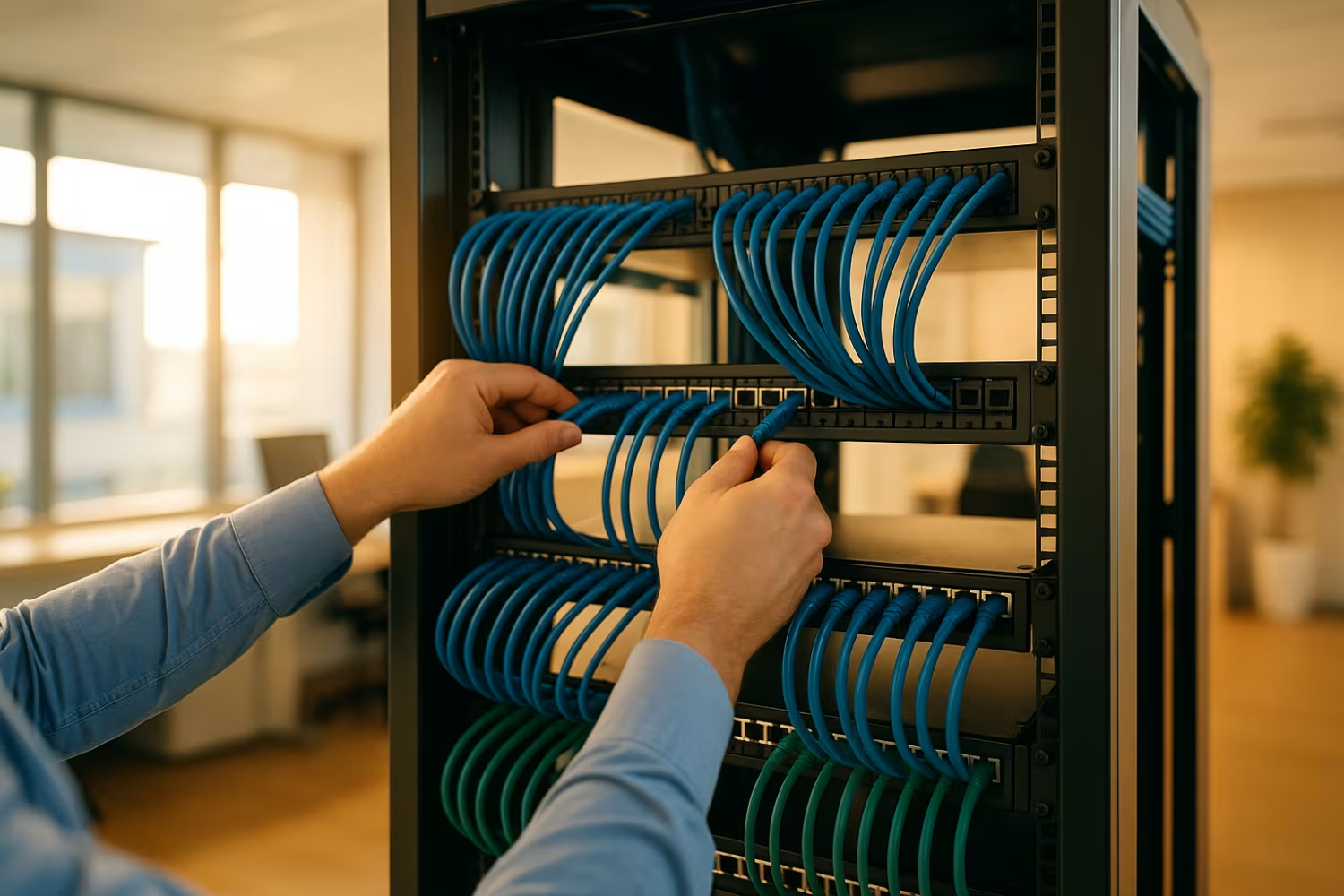
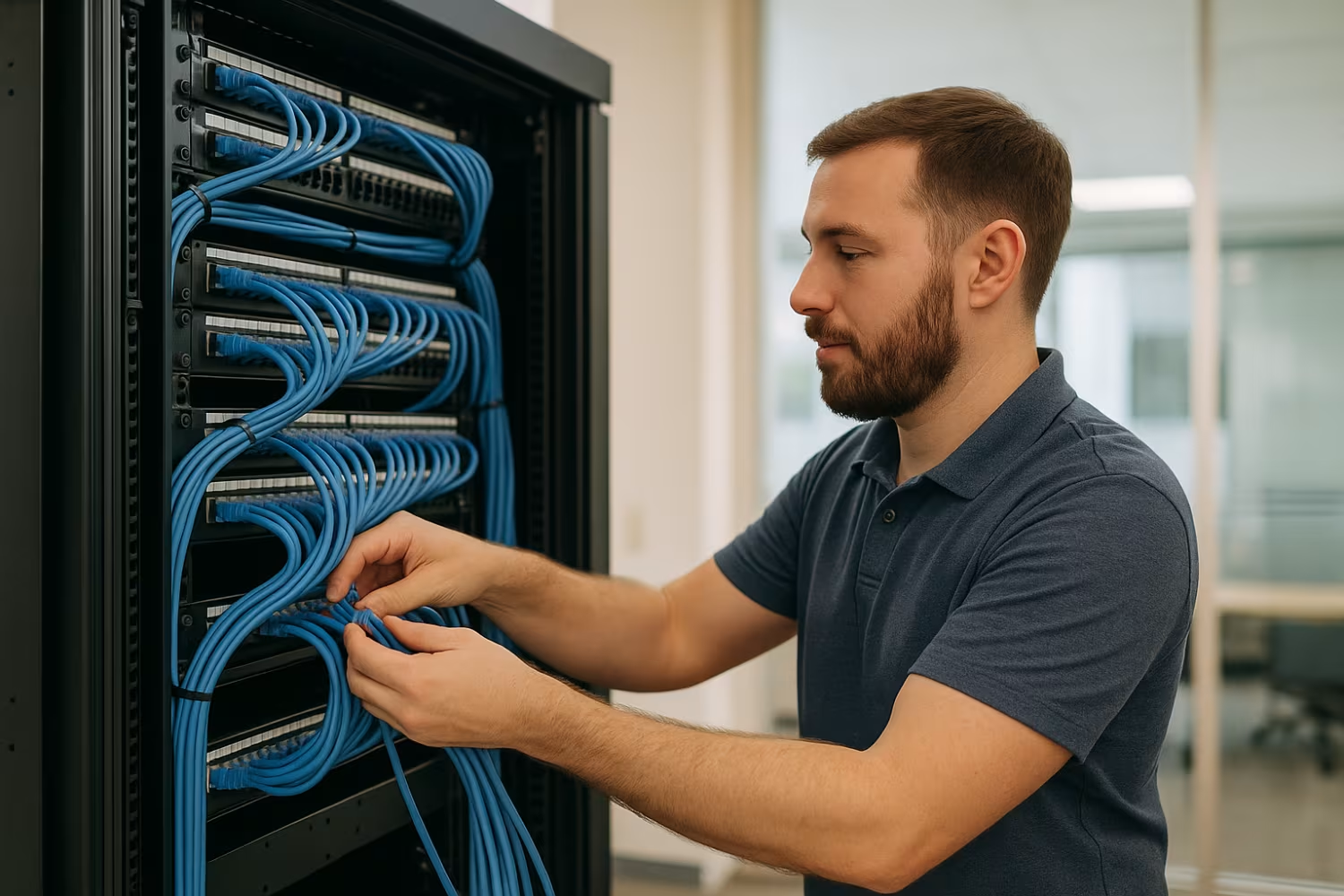
Messy installations make troubleshooting harder and increase the risk of damage. Use cable trays, labels, and ties to keep things organized.
Mistake #6: Not planning for future growth
Installing just enough cables for today’s needs can backfire. Always install extra capacity to support future devices or bandwidth upgrades.
Mistake #7: Mixing incompatible components
Using a Cat6 patch panel with Cat5e cables, for example, can cause bottlenecks. Make sure all components match in category and spec.
Key benefits of proper network cable planning
A well-planned network cable system offers several advantages:
Faster data transfer speeds and reduced latency
Fewer connection drops and hardware failures
Easier troubleshooting and maintenance
Better support for VoIP, video conferencing, and cloud apps
Compliance with safety and building codes
Scalable infrastructure for future upgrades
Why cable quality and standards matter
Not all cables are created equal. Cheap or uncertified cables can fail under load or degrade over time. Always choose cables that meet industry standards like TIA/EIA and are tested for performance.
For example, a high-speed Cat6a cable will support 10 Gbps over 100 meters, while a lower-grade cable might only handle 1 Gbps. Also, look for cables with proper shielding if you're installing in areas with electrical interference.
Choosing the right components for your setup
Selecting the right parts for your network cable system ensures everything works together smoothly. Here’s what to consider:
Component #1: Patch cable selection
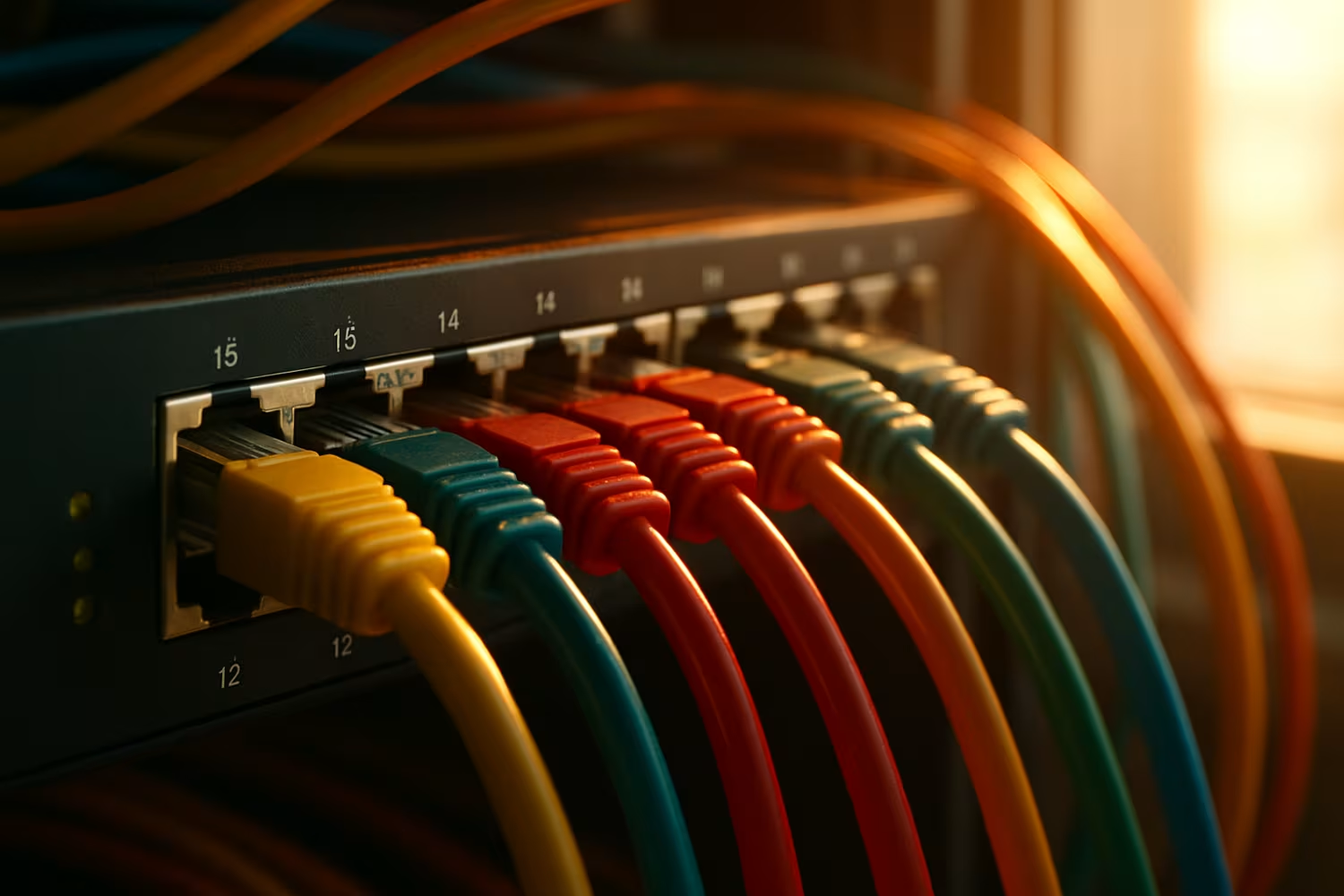
Patch cables connect end devices like computers to wall jacks or switches. Choose the right length and category to match your network.
Component #2: Cat6 vs. Cat5e cables
Cat6 cables support higher speeds and are better for modern networks. Cat5e is still usable but may limit performance in high-demand setups.
Component #3: Bulk cable for large installs
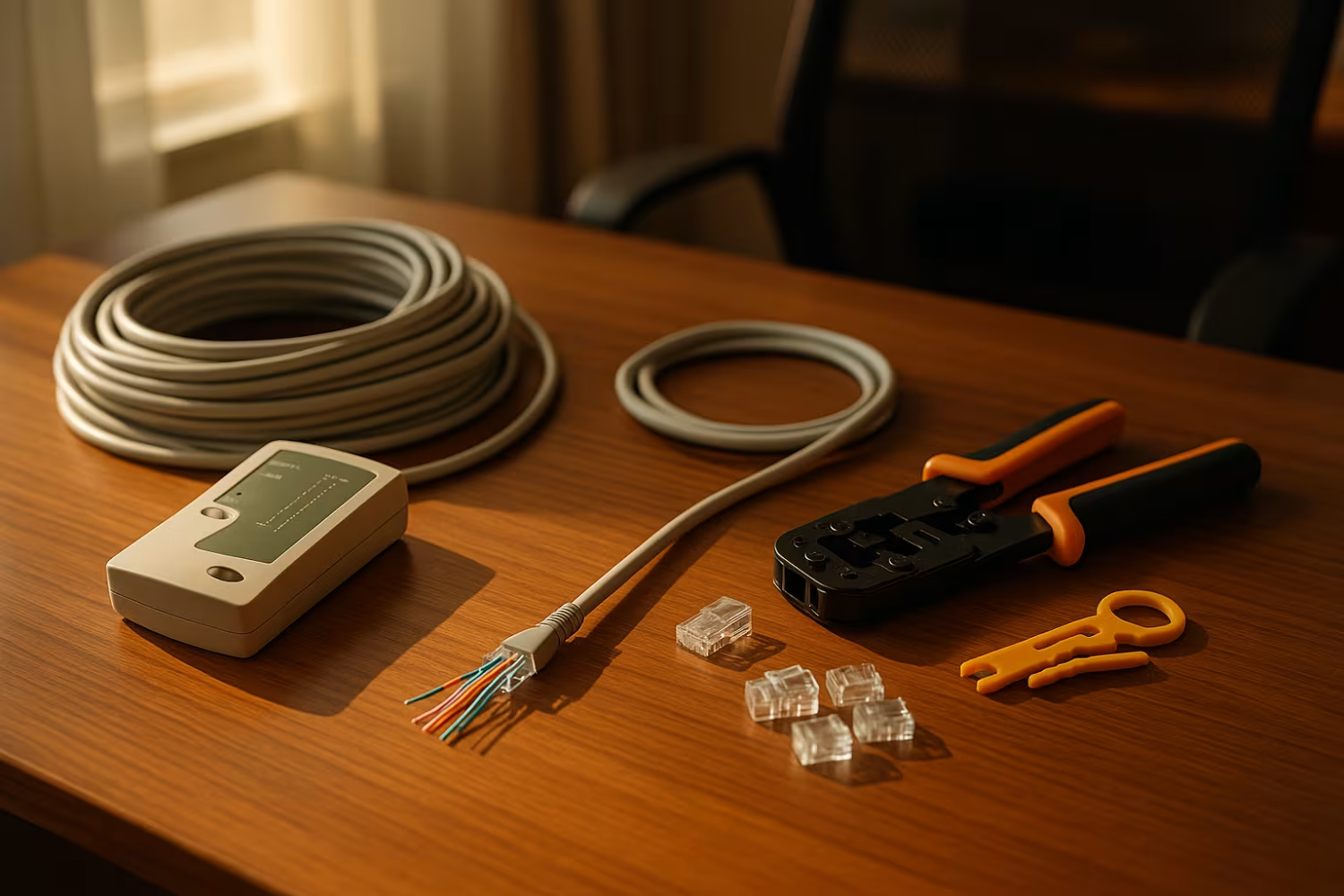
For large offices, bulk cable lets you cut custom lengths. Make sure to use proper tools and test each run after installation.
Component #4: RJ45 connectors and keystone jacks
These are critical for stable connections. Use high-quality parts and follow proper crimping techniques.
Component #5: UTP vs. shielded cables
UTP (unshielded twisted pair) is fine for most office setups. Shielded cables are better in industrial or high-interference environments.
Component #6: Network patch panels
Patch panels help organize and manage multiple cable connections. They make maintenance and upgrades easier.
Component #7: Patch cords and extension cables
Use patch cords for short connections and extension cables when you need more reach. Always match the cable type and category.
Installation tips for long-term reliability
Proper installation is just as important as choosing the right cable. Always follow best practices to avoid future problems.
Start by planning your cable paths. Avoid sharp bends and high-heat areas. Use cable trays or conduits to protect the cables. Label both ends of each cable to make troubleshooting easier. Finally, test each cable after installation to confirm performance.
Best practices for maintaining your network cable system
Ongoing maintenance helps your network stay fast and reliable:
Perform regular inspections for wear or damage
Keep cables away from power sources to reduce interference
Use cable testers to check signal quality
Replace damaged or outdated cables promptly
Document all changes to your network layout
Train staff on proper cable handling
Keeping your system in good shape reduces downtime and extends the life of your infrastructure.
How RTC Managed Services Can Help with network cable
Are you a business with 40–80 employees looking to upgrade or install a reliable network cable system? Growing companies often face challenges with speed, downtime, and future-proofing their IT infrastructure.
At RTC Managed Services, we specialize in designing and installing high-performance network cabling systems tailored to your needs. Whether you’re expanding, relocating, or just need a better setup, our team is ready to help. Contact us today to get started.
Frequently asked questions
What’s the difference between Cat6 and Cat5e cables?
Cat6 cables support faster speeds and more bandwidth than Cat5e. They’re better for high-speed applications like video conferencing or cloud backups. Cat5e is still common but may not meet the demands of modern networks.
Using the right cable helps reduce interference and improve performance. Always match your cable type to your network’s speed and distance requirements.
How do I choose the right ethernet cable length?
Measure the distance between devices and add a little extra for routing. Ethernet cable lengths like 50 ft or 100 ft are common for office setups. Avoid exceeding 100 meters to prevent signal loss.
Longer cables may need higher-grade shielding or repeaters. Always test the cable after installation to ensure it meets performance standards.
Can I use patch cables for permanent installations?
Patch cables are designed for short, flexible connections—not permanent runs. For permanent installations, use bulk cable and terminate it properly.
Patch cables are great for connecting devices to wall jacks or switches. Just make sure they match the category of your network setup.
What’s the purpose of a network patch panel?
A network patch panel organizes and connects multiple cables in one place. It makes it easier to manage, test, and troubleshoot your network.
Using a patch panel also helps keep your setup clean and scalable. It’s especially useful in offices with many devices or frequent changes.
Should I use shielded or unshielded twisted pair (UTP) cables?
Shielded cables reduce interference in noisy environments, like near power lines or heavy machinery. UTP cables are fine for most office settings.
Choose based on your environment. Shielded cables cost more but offer better protection in high-interference areas.
What’s the best cable for outdoor or long-distance runs?
For long runs like 100 ft or more, use high-quality, weather-rated cables. Look for shielded, UV-resistant options if installing outdoors.
Always follow local codes and use proper conduit for protection. Long-distance runs may also need signal boosters or fiber optics.
Founded in 2007 by Jeremy Kopp, RTC Managed Services is built on the belief that every business deserves high-quality, reliable IT support without the complexity and unpredictability of traditional models.

.jpeg)


.svg)
.svg)
