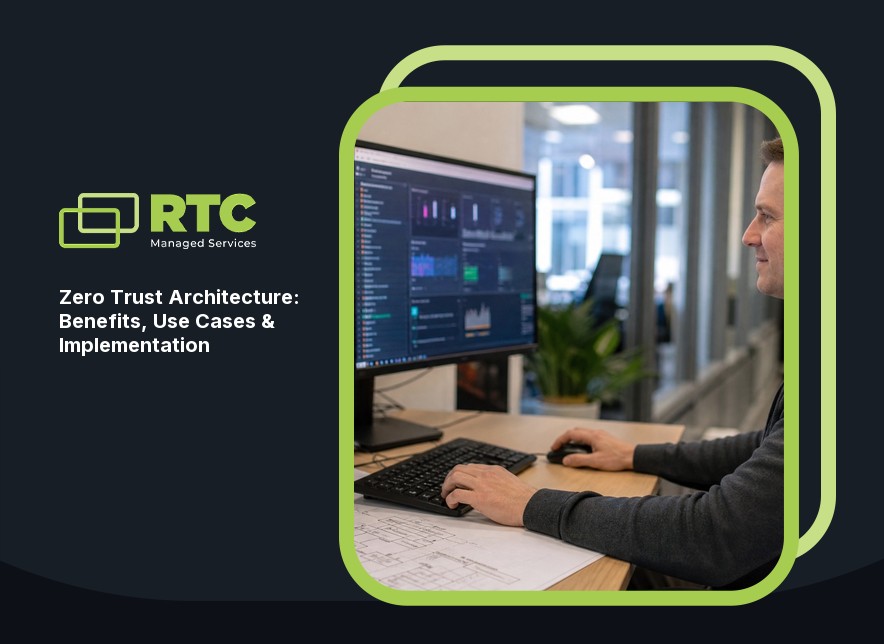
Zero Trust Architecture: Benefits, Use Cases & Implementation
Discover how zero trust architecture protects your business, reduces risk, and supports secure access. Learn practical steps, benefits, and use cases for implementation.

Explore identity and access management, its benefits, and best practices. Learn how IAM solutions help businesses secure access, ensure compliance, and manage user identities.
.jpeg)
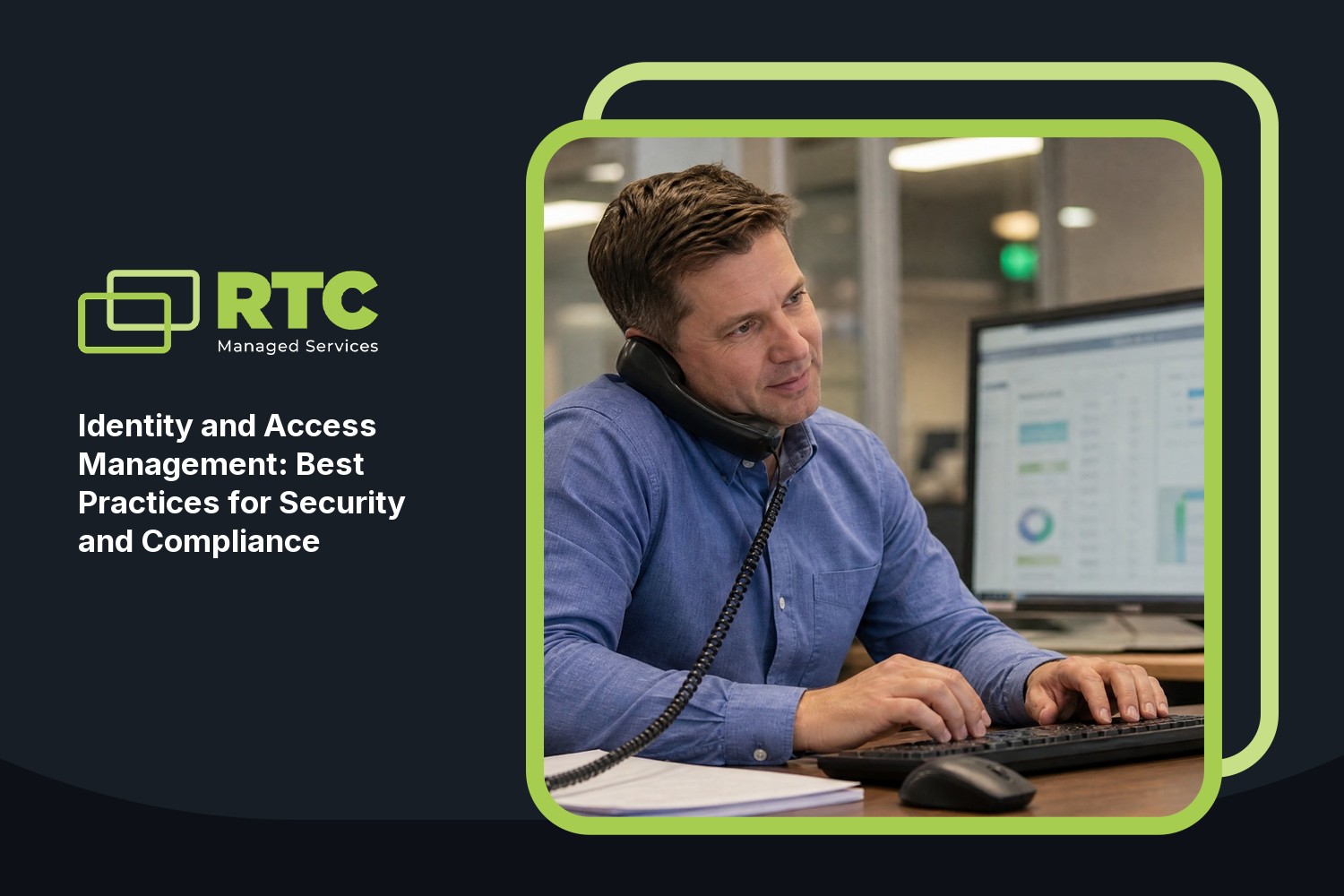
What we keep hearing from businesses is that they often underestimate how easy it is for the wrong person to get access to sensitive data. One small mistake—like sharing a password or skipping multi-factor authentication—can open the door to unauthorized access. "Strong identity and access management is the backbone of digital security for any organization." Industry research shows that most data breaches start with weak or stolen credentials, making it clear why identity management is so important.
Identity and access management (IAM) is all about making sure only the right people can access the right resources at the right time. It helps organizations manage user identities, control access rights, and keep digital identities secure. With more teams working remotely and using cloud services, IAM solutions are now a must-have for businesses that want to stay compliant and protect their information. By setting up proper authentication and authorization, you can manage user access, reduce the risk of data breaches, and make sure your business meets regulatory requirements.
Identity and access management is more than just setting up passwords. It involves creating, managing, and deleting digital identities throughout their lifecycle. IAM systems help you assign the right permissions to each user, so they only access what they need and nothing more. This process is called provisioning and deprovisioning, and it’s essential for keeping your systems secure and organized.
A good IAM solution will also help you track who accessed what and when. This is important for audits and compliance, especially if your business handles sensitive data. By using IAM, you can enforce policies like multi-factor authentication (MFA), single sign-on (SSO), and role-based access control. These features make it easier to manage user identities and keep your organization safe from threats.

Even with the best intentions, businesses often make mistakes when setting up IAM. Here are some of the most common issues and how to avoid them.
Many teams still use simple or repeated passwords, making it easy for attackers to guess or steal them. Strong password policies and regular updates are essential. Encourage your team to use complex passwords and consider adding password managers for extra security.
MFA adds an extra layer of protection by requiring a second form of verification. Without it, even a stolen password can give attackers access. Make MFA a standard for all critical systems and accounts.
Sometimes users are given more access rights than they need, which increases the risk of data breaches. Use the principle of least privilege—only give users the permissions they need to do their jobs.
When someone leaves your company, their access should be removed immediately. Delays can leave your systems open to unauthorized access. Set up a process for prompt deprovisioning.
Without regular reviews, it’s easy to lose track of who has access to what. Schedule periodic audits to check permissions, review user accounts, and ensure compliance with your policies.
Different industries have specific rules for managing user identities and access. Failing to meet these standards can lead to fines or legal trouble. Stay informed about the regulations that apply to your business and update your IAM practices as needed.
Implementing IAM solutions brings several important advantages:

Compliance is a major reason businesses invest in identity and access management. Regulations like GDPR, HIPAA, and others require strict controls over who can access sensitive data. IAM systems help you meet these requirements by tracking user activity, enforcing security policies, and providing detailed audit logs.
Security is another key benefit. By using IAM, you can prevent unauthorized access, reduce the risk of insider threats, and protect against credential theft. Features like role-based access control and single sign-on make it easier to manage user access without sacrificing security. When you have a reliable IAM system in place, you can focus on running your business, knowing your data is protected.
A strong IAM system is built on a few key strategies. Here’s what you should focus on:
Managing user identities from a single platform makes it easier to enforce policies and monitor activity. Centralization also helps you spot unusual behavior quickly.
Assign roles to users based on their job functions. This way, each person only gets the permissions they need, reducing the risk of accidental or intentional data exposure.
Automating the process of granting and removing access saves time and reduces errors. It ensures that new hires get the right permissions from day one, and that former employees lose access immediately.
MFA is one of the most effective ways to stop unauthorized access. Require it for all critical systems, especially those with sensitive data.
Regularly review access logs and audit trails to detect suspicious behavior. Set up alerts for unusual activity, such as failed login attempts or access from unfamiliar locations.
Train employees on the importance of identity security and best practices for managing credentials. Awareness is a key part of any security strategy.

Getting started with IAM doesn’t have to be overwhelming. Begin by assessing your current access control processes and identifying any gaps. Look for IAM solutions that fit your business size and needs, especially if you’re considering IAM for small business. Make sure the system supports features like single sign-on, multi-factor authentication, and automated provisioning.
Work with your IT team to set up clear policies for user access and permissions. Regularly review and update these policies as your business grows. Don’t forget to schedule audits and provide training for your staff. By taking these steps, you’ll build a strong foundation for identity and access management and keep your organization secure.
Following best practices can help you get the most out of your IAM system:
Sticking to these practices will help you maintain secure access and protect your business from threats.

Are you a business with 40-80 employees looking for a better way to manage access and protect sensitive data? Growing businesses often struggle to keep up with changing security needs, especially as teams expand and new systems are added.
We understand the challenges of implementing IAM solutions that actually work for your organization. Our team at RTC Managed Services specializes in helping businesses set up, manage, and optimize identity and access management systems. If you’re ready to improve security, simplify compliance, and give your team secure access to the right resources, contact us today.
IAM helps organizations by using authentication and authorization to make sure only the right people can access sensitive data. It controls user access and tracks activity, reducing the risk of unauthorized access.
By setting up strong access control policies and using tools like multi-factor authentication, IAM systems help you securely manage user identities and permissions. This lowers the chance of a data breach and keeps your business safe.
The four pillars of IAM are authentication, authorization, user management, and auditing. Each pillar plays a key role in protecting digital identities and managing access rights.
Authentication verifies user identities, authorization grants the right permissions, user management handles account creation and removal, and auditing tracks activity for compliance. Together, they help organizations maintain secure access to resources.
Compliance ensures your IAM system meets legal and industry standards for managing user identities and protecting sensitive data. It helps avoid fines and legal issues.
By following compliance rules, you can show that your organization uses reliable systems to manage access, protect user information, and prevent unauthorized access to resources.
IAM solutions often include single sign-on (SSO), which allows users to access multiple systems with one set of credentials. This simplifies login processes and improves user experience.
SSO also reduces password fatigue and lowers the risk of weak passwords. IAM systems with SSO help organizations securely allow users to access the right resources without extra hassle.
Role-based access control (RBAC) assigns permissions to users based on their job roles. This means each person only gets access to the information and tools they need.
RBAC makes it easier to manage user identities and reduces the risk of accidental data exposure. It also helps organizations keep their IAM systems organized and secure.
Small businesses can start by choosing IAM technology that fits their size and needs. Look for solutions that offer easy setup, automated provisioning, and strong security features.
IAM for small businesses should include multi-factor authentication, audit capabilities, and support for compliance. Starting with the basics helps you build a secure foundation as your organization grows.


.svg)
.svg)